Embedding Widgets to Your Website
Embedded widgets are a convenient way to display your data from TagoIO in another application. By generating the embedding code on a widget, you can add that widget to your website or any other application.
warning
Embedding is only supported for widgets on a normal dashboard. Widgets on a Blueprint dashboard cannot be embedded.
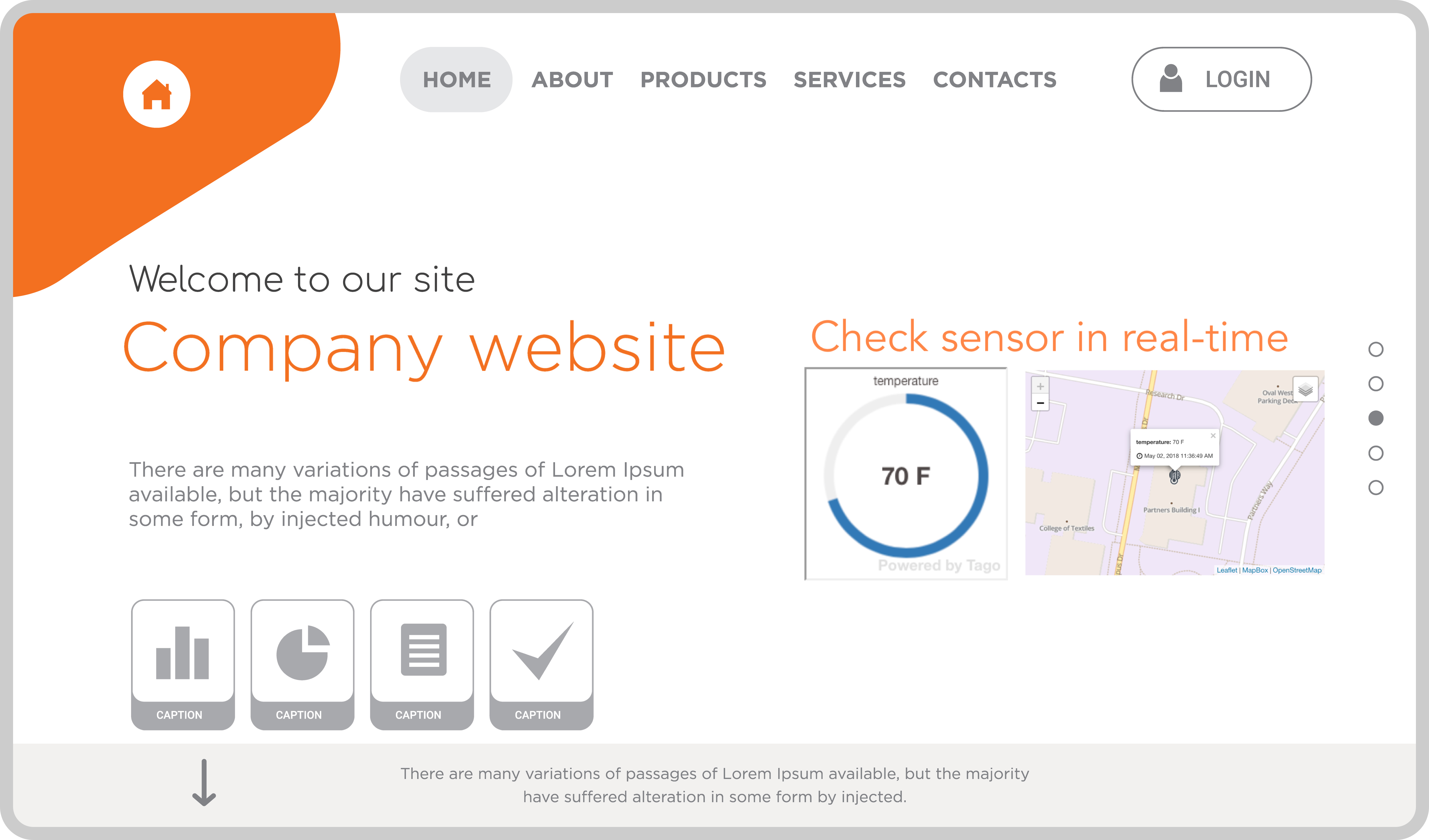
Example
Below is a simple example of using embedded widgets in your own website.
How to Generate the Embedding Code
-
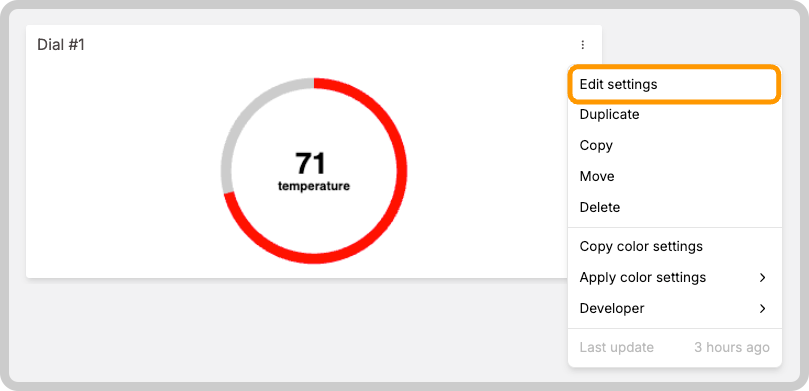
Open the dashboard that contains the widget you want to embed, and click the gear icon on that widget.
-
In the widget settings, navigate to the Embed Widget tab, click Generate Code and then click Copy.
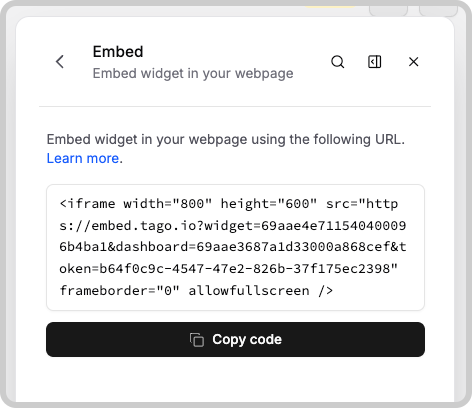
- Paste the copied code into your website's HTML where you want the widget to appear. The data from TagoIO will update in real-time for anyone who views the page!
Something missing from this page?