Entities
The Entity feature is an excellent tool for storing data in a tabular format. Unlike the Devices feature, which is optimized for storing sensor data with high-frequency write operations, the Entity feature provides a versatile solution for managing a wider variety of data types with less frequent writes.
Within an Entity, you can create custom fields similar to columns in a traditional database and define specific data types. You can also improve search and retrieval performance by implementing single or multiple indexes. Entities are well suited to store diverse data such as site information, organizational metadata, contact lists, equipment details, and product information.
Once your information is stored, you can access the data through Analysis, the TagoIO API, and soon through Widgets.
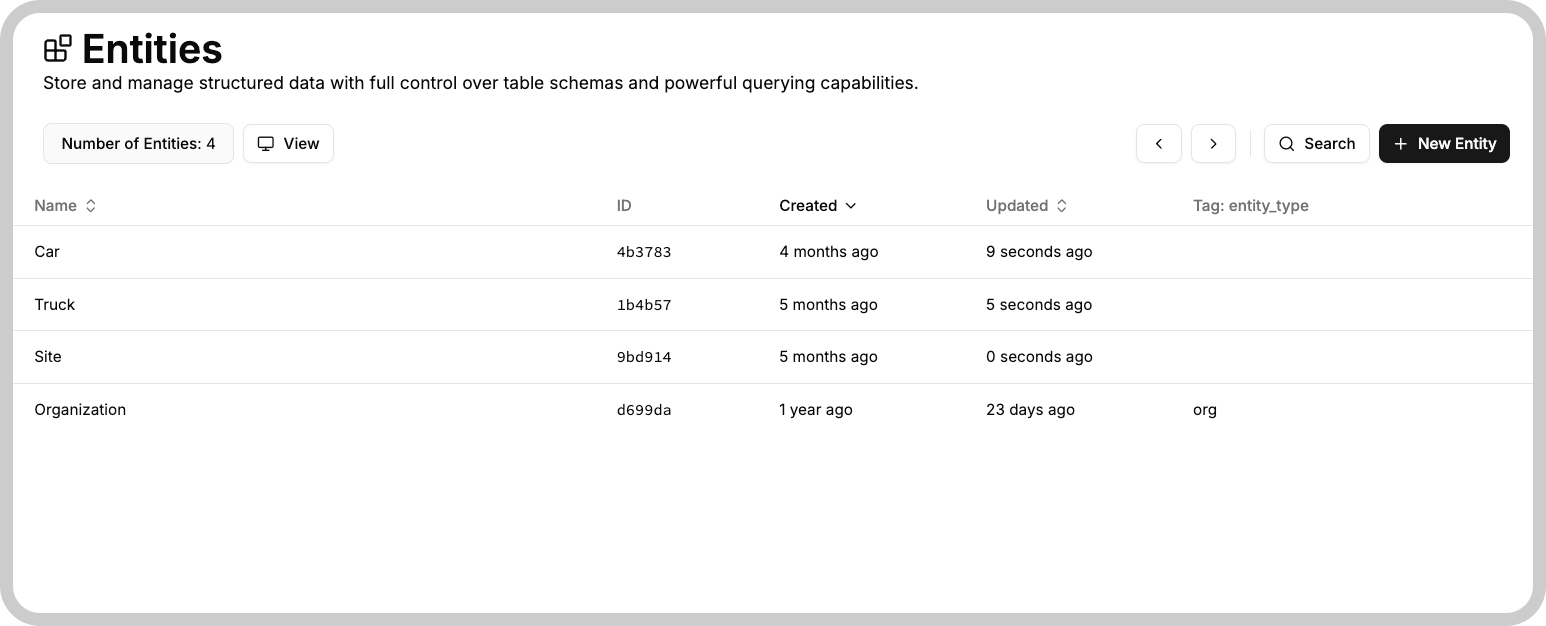
Creating an Entity
To create a new Entity, open the Entity module on your Admin page and click on "+ New Entity" (or the equivalent action). You will be prompted to define a name and add fields. Note that once an entity is created, its name cannot be changed; however, you can still add or remove fields as needed.
Mandatory default fields
| Field | Description |
|---|---|
| id | A Universally Unique Identifier (UUID) for the data entry, automatically generated if not provided. |
| created_at | Timestamp of when the data entry was created. |
| updated_at | Timestamp of the last time the data was edited. |
These fields are always present and cannot be removed or modified.