TagoDeploy
TagoDeploy is a single-tenant IoT platform built on the TagoIO architecture. Each deployment runs on its own infrastructure, so your team controls the resources without sharing them with other tenants.
You switch between projects from the project switcher in the top navigation, and you add new projects and services from the App Catalog, which you open from Apps in the top navigation.
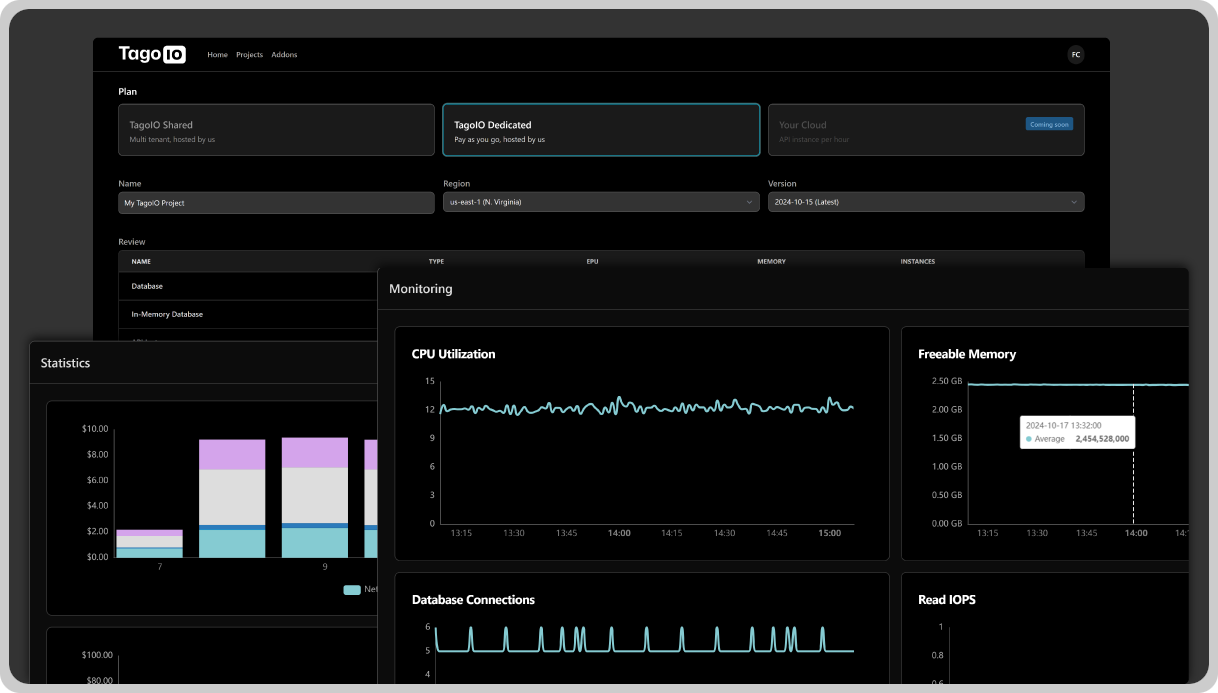
Architecture overview
The diagram below shows how a TagoDeploy environment isolates infrastructure for each deployment. Every deployment gets its own compute, storage, and networking.
TagoDeploy is a dedicated instance of the TagoIO platform. You can deploy it across 12+ AWS regions, so you can place your infrastructure close to your users or inside a region that satisfies your data residency rules.
The deployment includes API endpoints and admin interfaces with configurable URLs, which lets you white-label the platform. It also includes TagoRUN for custom application deployment and user management.
Core capabilities
Dedicated infrastructure
Each TagoDeploy instance runs on its own infrastructure. You get your own compute instances, storage, and network configuration, with no resources shared across tenants. Performance stays predictable because nothing else competes for the same capacity.
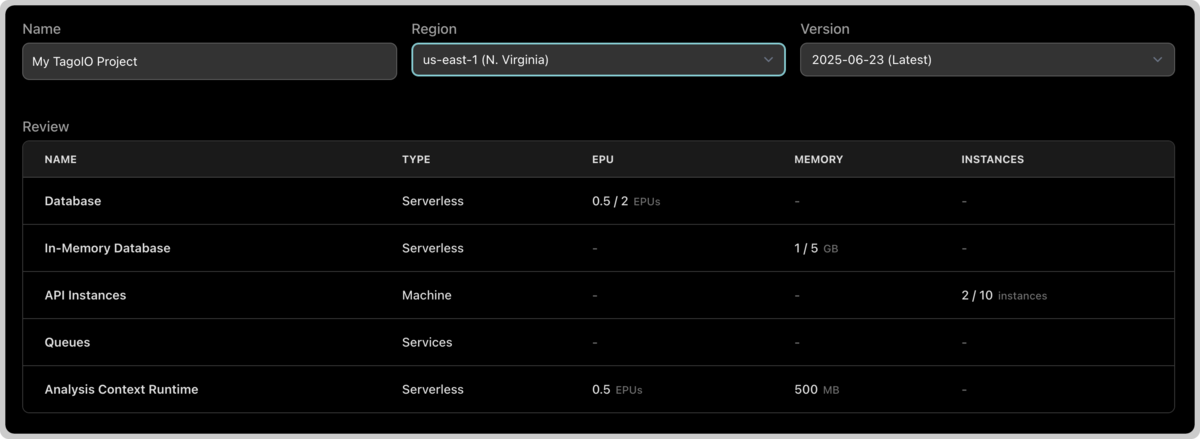
Scalable resource configuration
You can scale resources to match your workload. Configure CPU allocation, instance counts, and autoscaling rules to handle changing traffic. The infrastructure scales horizontally and vertically, and you can change resource allocation while the platform runs.
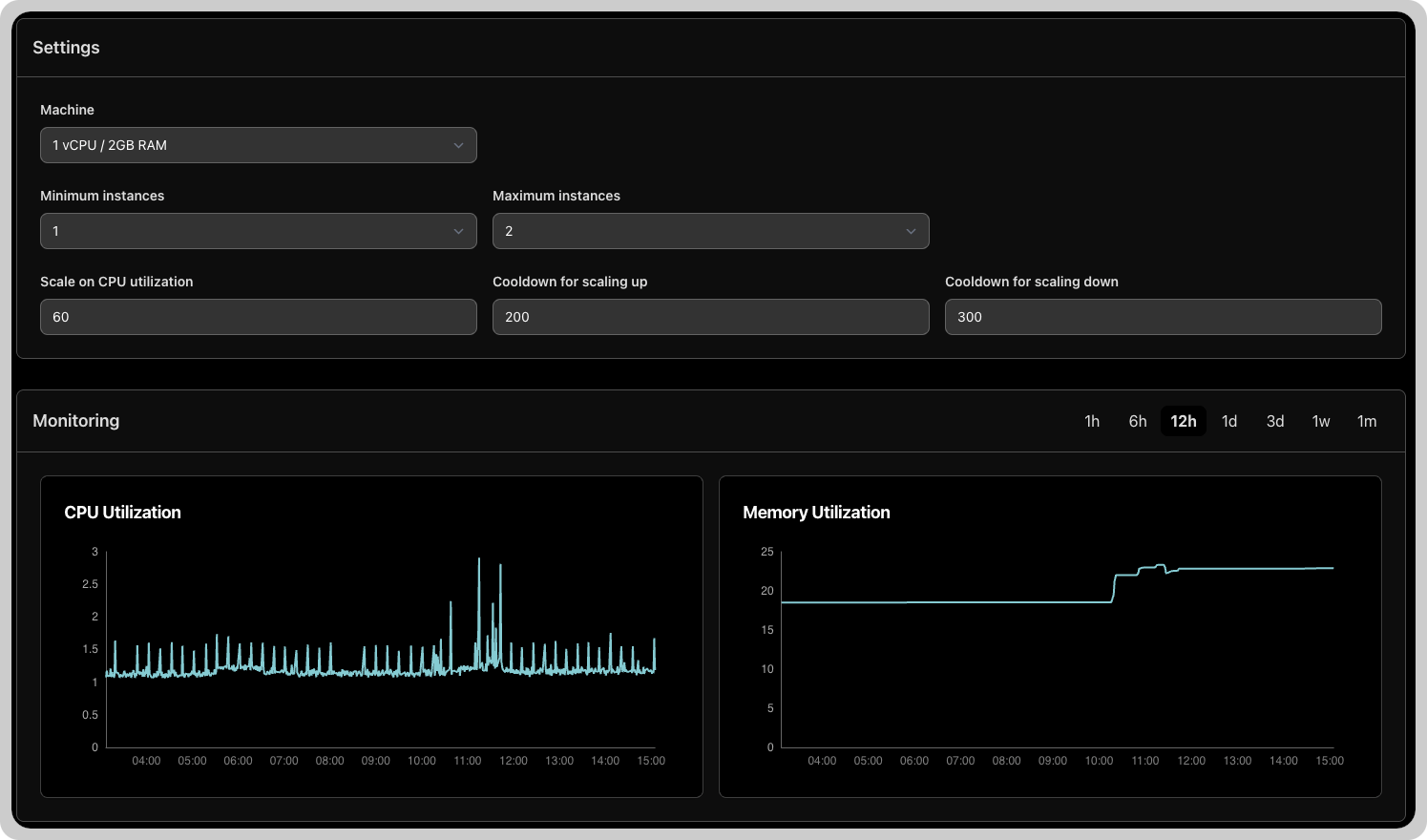
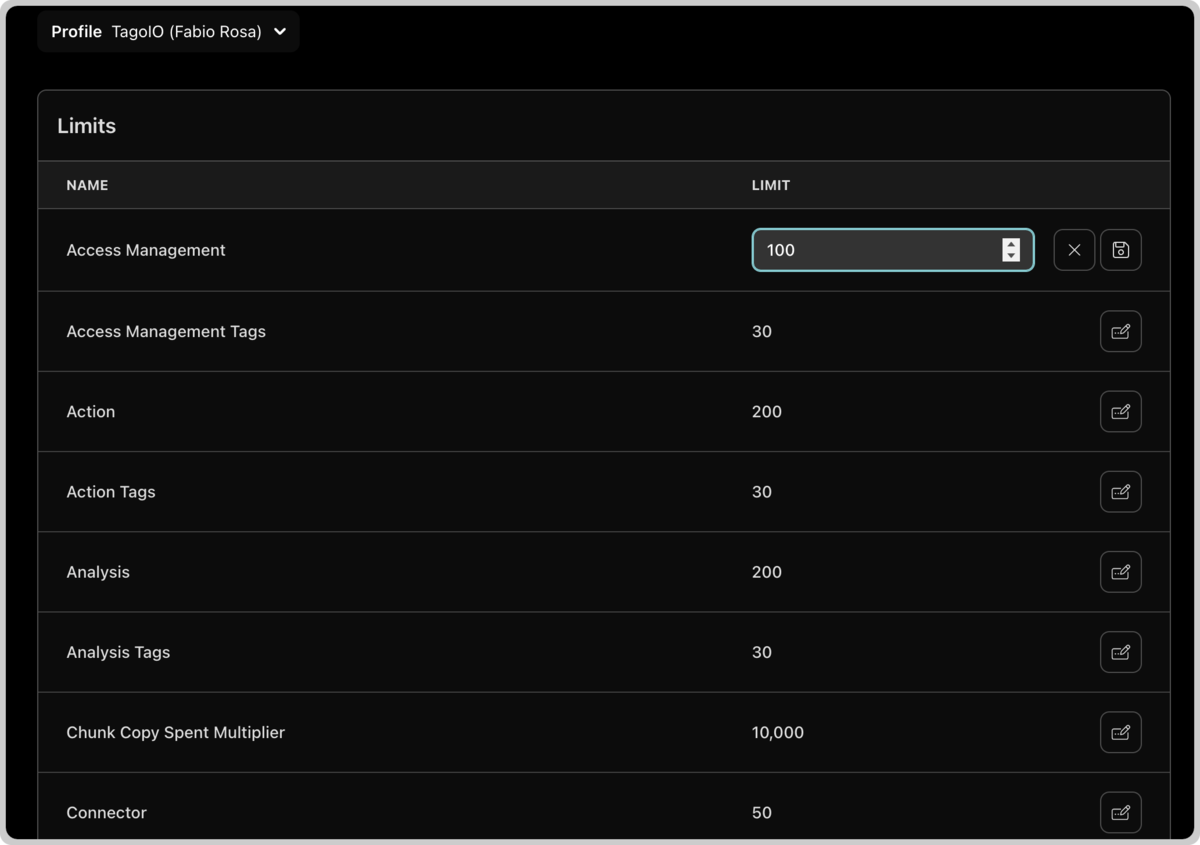
Resource limits are configurable rather than fixed. You set your own constraints for:
- API request rates per minute
- Maximum device connections
- Data storage allocation
- Dashboard quantities
- Tag limit
Data protection and recovery
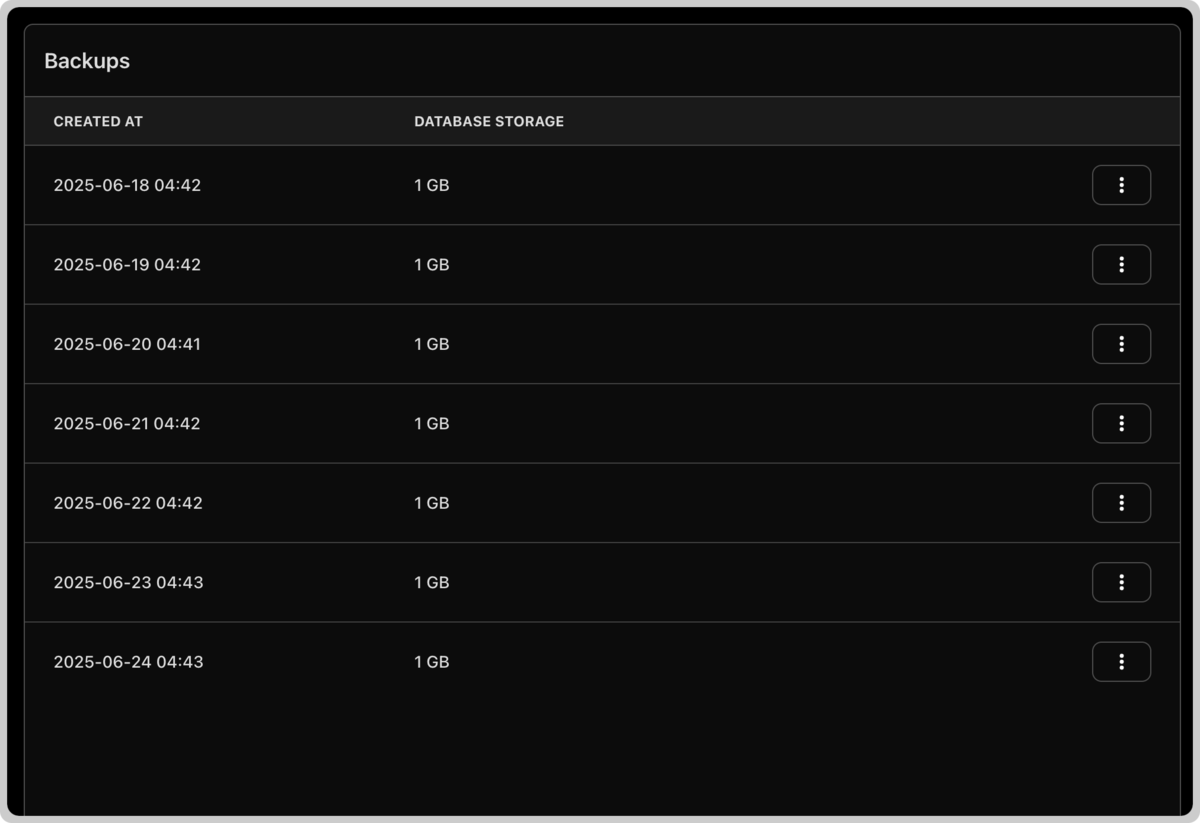
Automated backups protect your data and configuration. They cover device registrations, historical data, dashboard configurations, analysis scripts, and platform settings. You configure the backup schedule and retention policy to meet your recovery time objectives and compliance requirements.
Custom domain management
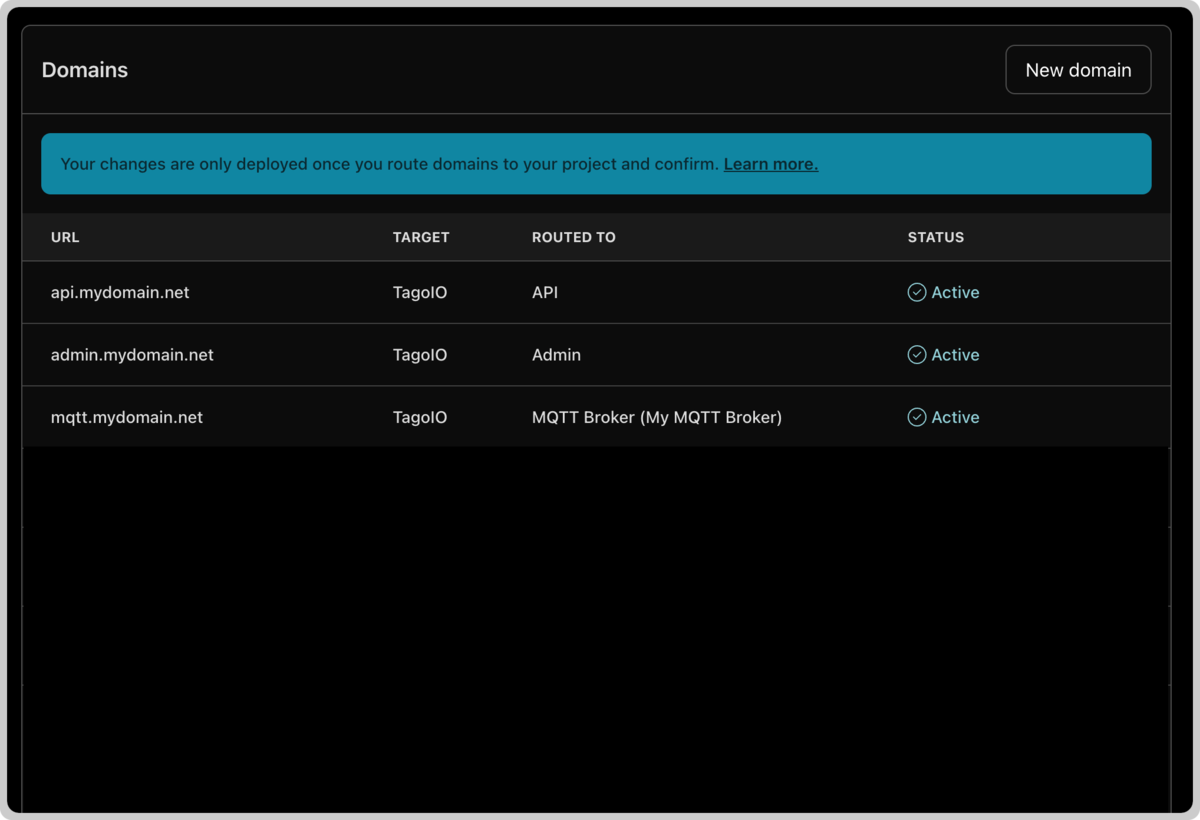
You can set custom domains for both the admin interfaces and TagoRUN portals. This covers SSL certificate management, DNS configuration, and domain routing. With custom domains you brand the platform under your own name and keep the same experience across every entry point.
Version control and updates
Platform updates ship through controlled versioning, and you decide when to apply them. Test and validate a new version in a non-production environment before you roll it out to production. This keeps production stable while you adopt new features on your own schedule.
Apps
Apps install from the App Catalog, which you open from Apps in the top navigation, the same place you create a project. The catalog groups items by category: Platform, Middleware, MQTT, and Others.
MQTT Broker
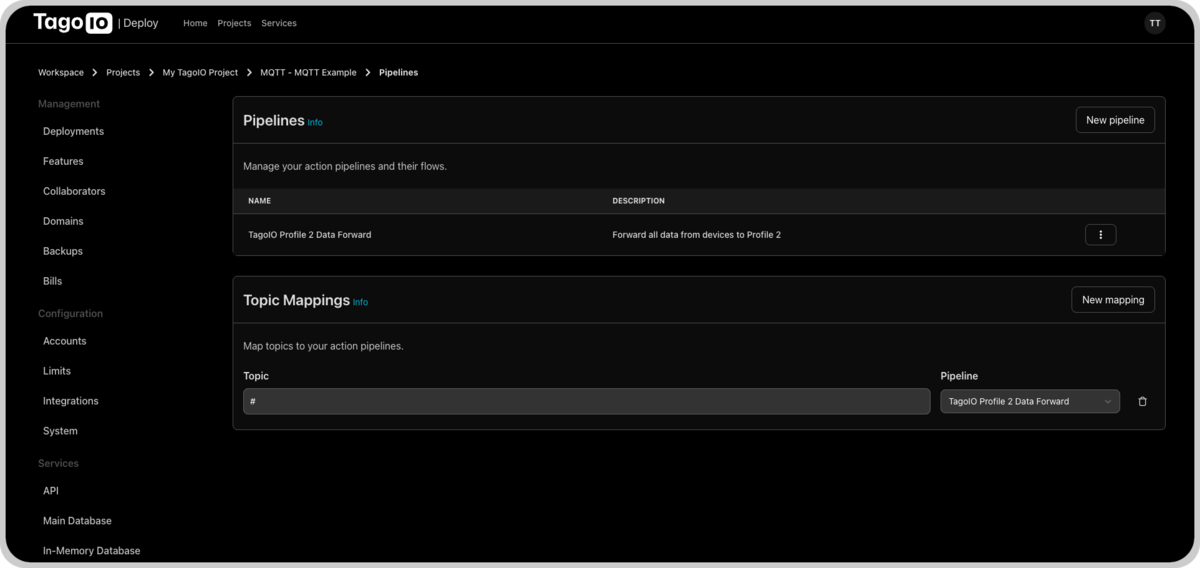
You can deploy a dedicated MQTT broker inside your TagoDeploy environment and control how devices communicate. The broker supports custom authentication, message routing rules, and protocol configuration for your deployment.
Middleware Services
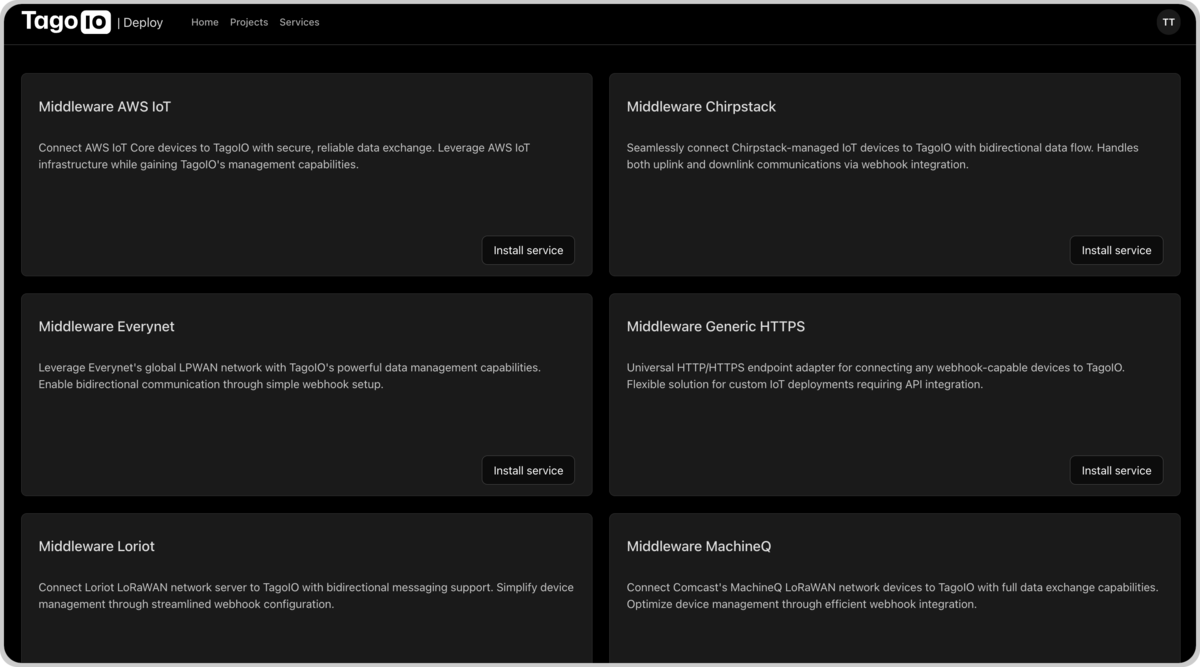
Middleware connects external networks and systems to your project. It runs inside the isolated environment and has full access to platform APIs and data streams. Available middleware types are AWS IoT, Chirpstack, Everynet, Generic HTTPS, Loriot, MachineQ, Myriota, Senet, Sigfox, Tektelic, and TTN.
Technical specifications
- Available across 12+ AWS regions
- Configurable API and admin interface endpoints
- CPU, memory, and instance scaling
- Tenant separation at the infrastructure level
- Automated backups and recovery
- Custom SSL and DNS configuration
- Managed updates and rollbacks
Implementation considerations
Before you choose TagoDeploy, check it against your requirements for data isolation, regulatory compliance, and resource scaling. It fits teams that need dedicated IoT infrastructure and want to control resource allocation and platform behavior.
For pricing and deployment details, contact the TagoIO team at contact@tago.io.