Grain Bin Widget
The Grain Bin widget produces a grain-bin illustration so you can easily track variable information.
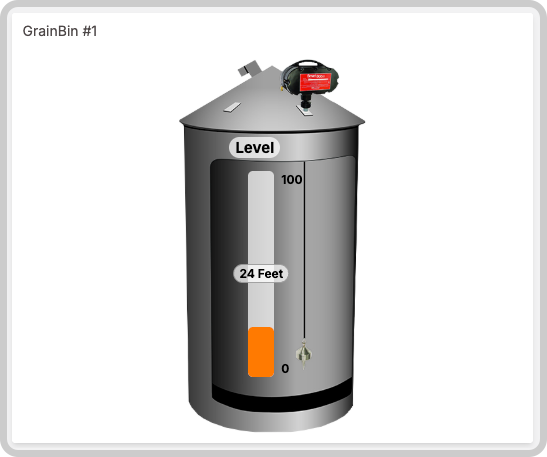
This widget also accepts features like metadata that can be set in your variable data.
Creating your own
To add the Grain Bin widget to your dashboard, choose the Grain Bin widget from the widget list and customize it to your preference. Edit the widget using the options located on the right side of the widget configuration panel.
Data Sources Field
This field allows you to set the device and variable that will be used in this widget.
This field is dependent on the type of dashboard you are using; the difference is explained below.
1.1 Normal Dashboards
From the option 'Data Sources' on the right menu, select one device from your list of devices and the variable that contains the data.
1.2 Blueprint Dashboards
From the option 'Data Sources' on the right menu, add the Blueprint device and input the name of the variable that contains the information.
When using a Blueprint dashboard, the field Variable will list variables to be picked using the currently selected blueprint device.