Device Emulator Functions
Functions are helper variables you can add to your payload when using the Device Emulator. Each function serves a specific purpose. To insert a function into your payload, click the Functions button and select the desired function.
You can use functions in both JSON and Raw (CSV) payload types.
Examples
JSON example using a function:
[
  {
    "variable": "temperature",
    "value": $random$,
    "unit": "F"
  }
]
CSV example using a function:
variable,value,time,group
temperature,$random$,2019-09-19,1568913302243
List of functions
- $random$: This function will be replaced by a random number that ranges from 0 to 100 whenever you send your payload.
- $randomBoolean$: This function will be replaced by a random boolean (true or false) whenever you send your payload.
- $busRoute$: This function will be replaced by a sequential bus route through Chicago. The location will change to a new one every time you send your payload. You should only use this function in the
locationfield of a JSON payload. - $sequential$: This function will be replaced by a number that is increased by 1 every time you send your payload.
- $sequentialHex$: This function will be replaced by a hexadecimal value that is increased by 1 every time you send your payload. If you are using this function in a JSON payload, wrap it around quotes (
"$sequentialHex$"). - $unixtime$: This function will be replaced by the current date and time as a Unix epoch timestamp.
- $timestamp$: This function will be replaced by the current date and time as 'YYYY-MM-DDTHH:mm:ss.sssZ' (ISO-8601) format.
- $date$: This function will be replaced by the current date in the format
YYYY-MM-DD. If you are using this function in a JSON payload, wrap it around quotes ("$date$").
tip
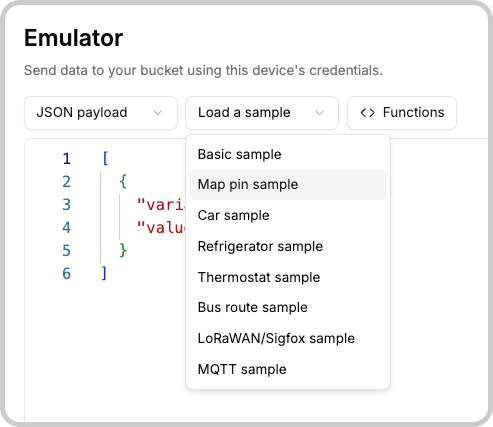
If you are unsure of how to use functions, look for samples in the editor.
Something missing from this page?