Live Inspector
The Live Inspector helps you debug parser scripts and watch all the traffic going to and from your devices. It is a real-time monitoring tool that shows you exactly what data is flowing between TagoIO and your device.
Open a device from the Device page, then click the Live Inspector tab and start viewing data by clicking on the Inspect button.
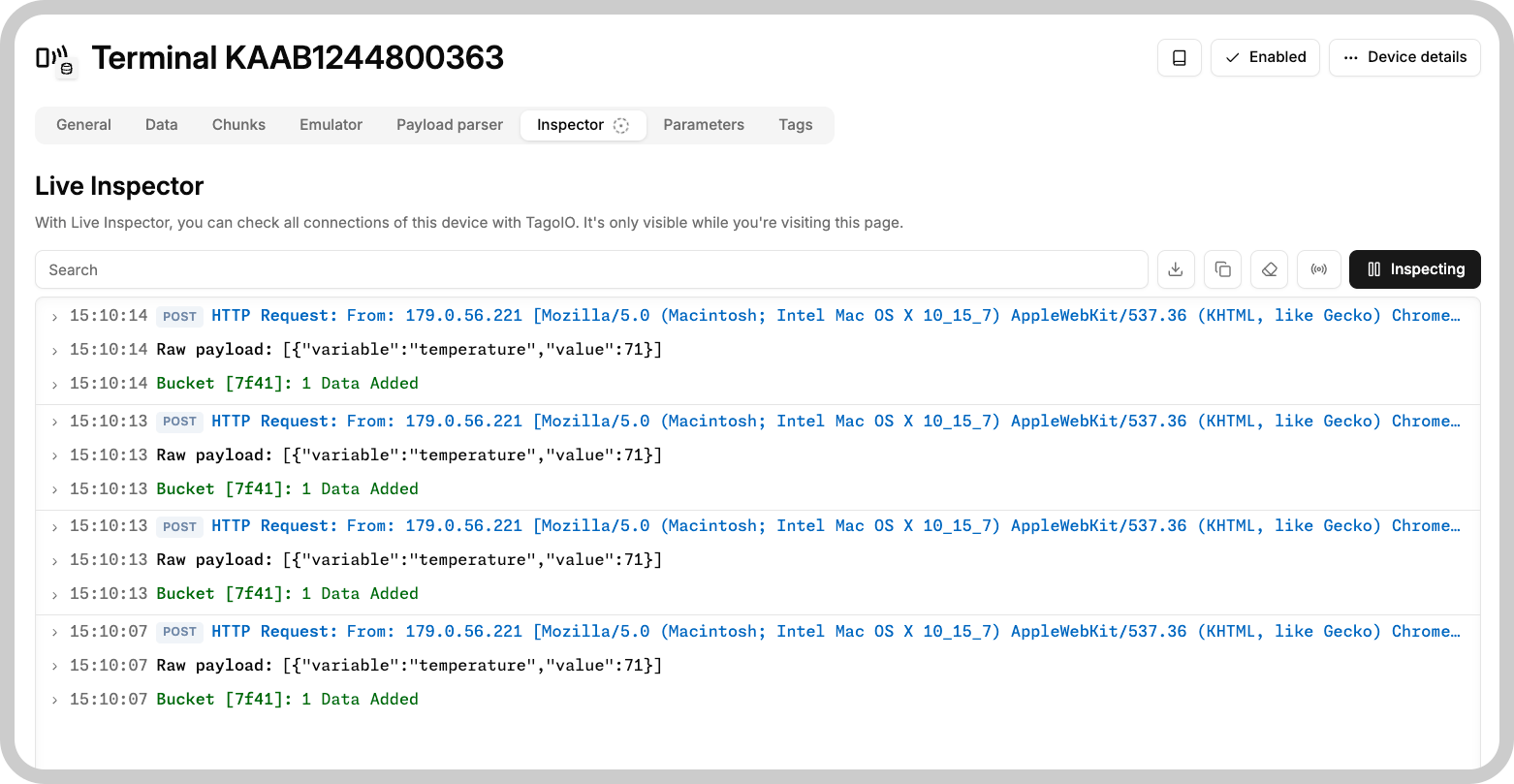
When inspecting is activated and new data arrives, the Inspector tab will be briefly highlighted in yellow so you don't miss incoming activity in case you are in a different tab on the device page.
How it works
The Live Inspector shows all active connections for the device. It only runs while you're on the Live Inspector page.
The interface includes:
- Search field - Filter messages as they come in
- Max Connections - Choose how many items to show (25, 50, 100, or 500)
- Download button - Download the data as a CSV file
- Clipboard button - Copy over the text to your clipboard
- Clear button - Clear the data from the Message Log
- Start/stop button - The green arrow toggles monitoring on and off
- Message log - Lists all incoming traffic and connection details
Everything sent to or from the device appears in real time. Each message is logged and shown in the list.
The inspector no longer stops when you navigate away, it keeps running in the background. It will stop when you close the browser tab or refresh the page.