Distributing Analysis
You can distribute your Analysis by generating a shareable link that lets others install their own copy through a customized install page. Each recipient gets a completely independent copy in their TagoIO account, which they can freely edit without impacting your original Analysis.
Others will be able to edit the analysis that they received without impacting yours.
When other users access the link you sent, they will see a screen similar to the one shown below. The images and text on that install page are fully customizable.
To distribute an analysis, first click on the analysis menu of your admin panel, then select the desired analysis. Now navigate to the distribute section of your analysis by clicking on the Distribute tab.
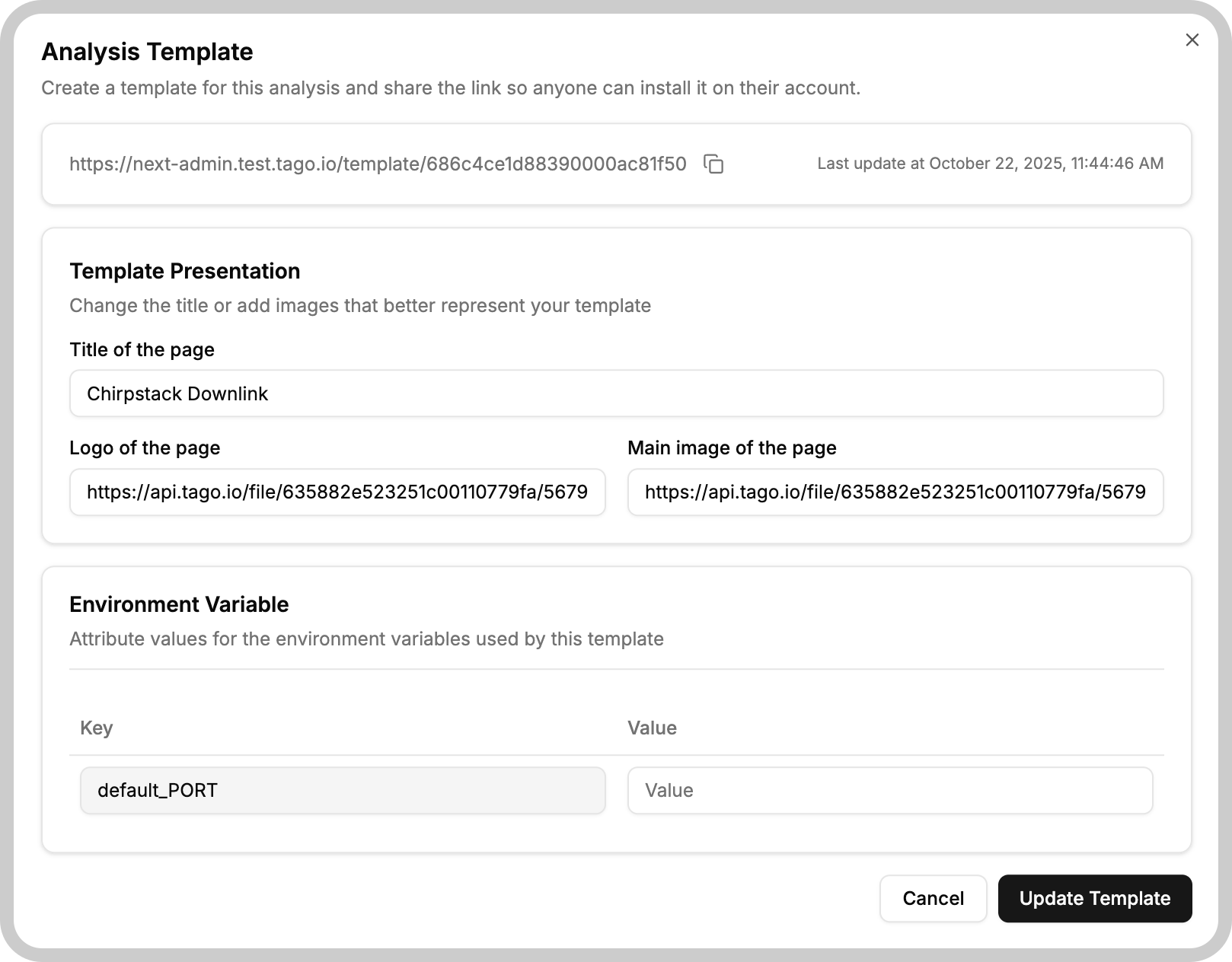
The Distribute function relies on creating a customized install page for anyone to install a copy of your analysis. To tailor this page you can modify the title, logo and main image in the corresponding fields. At the bottom of the page there is also a section where you can set values for the copy's environment variables; these default to the values defined in your own environment but can be changed without affecting your original settings.
After making your adjustments click the Build template button to save the information and build the page. The first time you do this, a new section will appear with the link that you can share. All you have to do is click the Copy button or manually copy the link and distribute it to anyone you would like.
It is always a good idea to access the link yourself before sharing to ensure the customized install page meets your standards.