Router
You can enable the Router option to allow users to get directions to a destination on the map. This feature provides turn‑by‑turn routing to guide users to the locations of their devices.
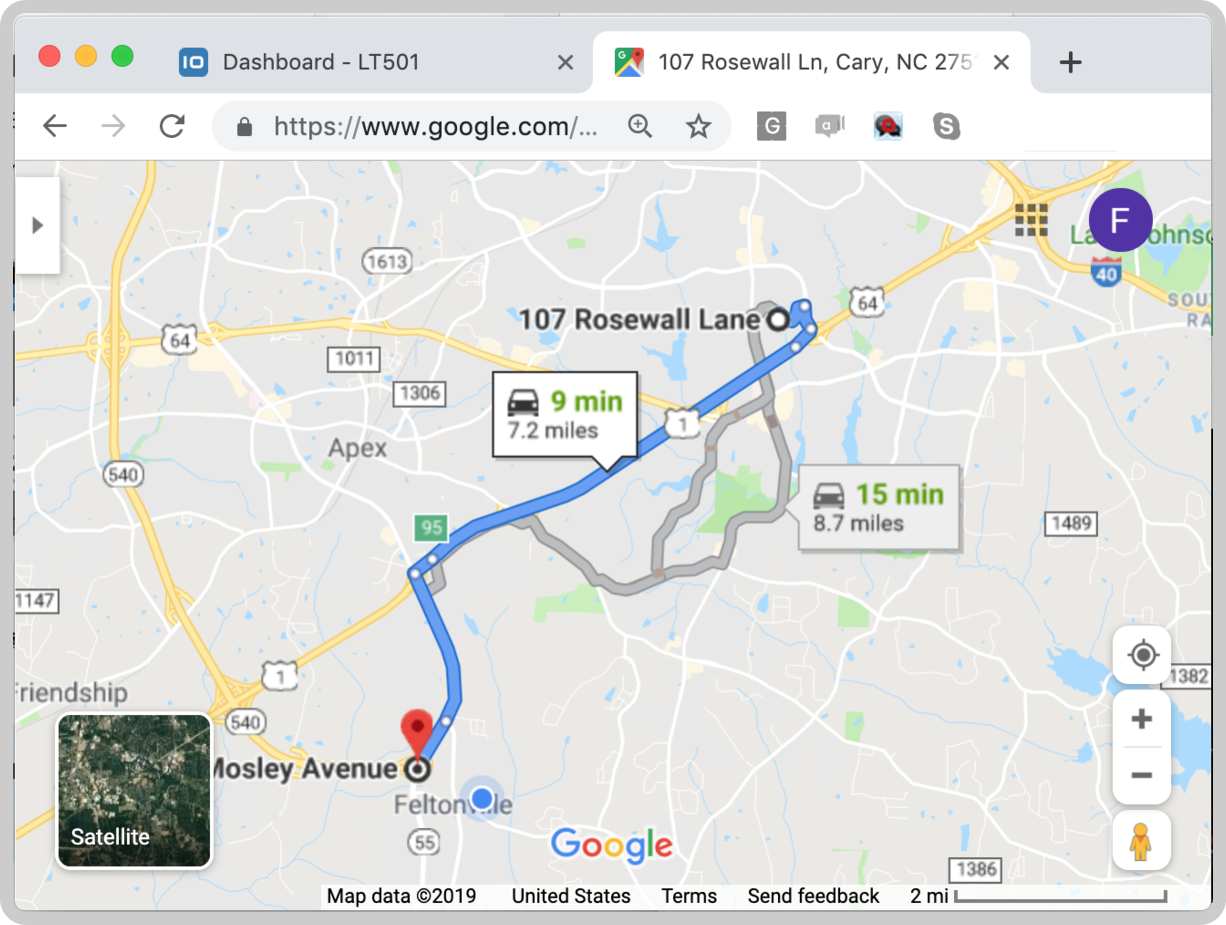
How to configure the Router
To use the router, enter the map widget in edit mode. You must first define an origin point.
This is done by selecting a device and specifying the variable that holds its coordinates (for example, GPS data from the TagoIO mobile app or any other device that reports latitude/longitude).
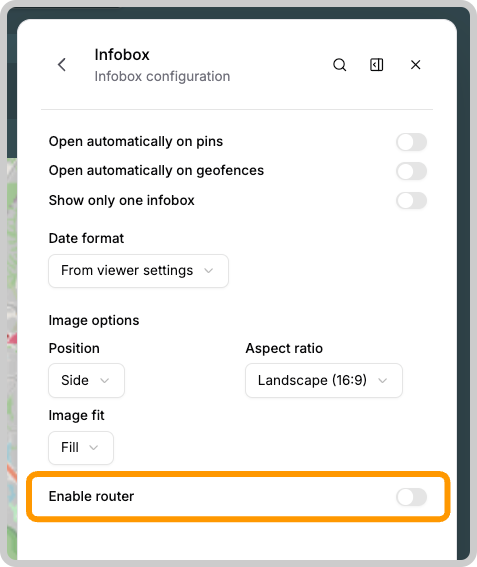
Once the origin is set, you can enable the router option in the map widget settings. The following screenshot shows how to activate it:
When users access the map from a mobile device, they will have the option to select one of the following navigation services:
- Google Maps
- Apple Maps
- Waze
Only Google Maps is available when using a browser from a computer.