Display Widget
Display is a widget that shows the last value of a variable, regardless of the format of the value (string or number).
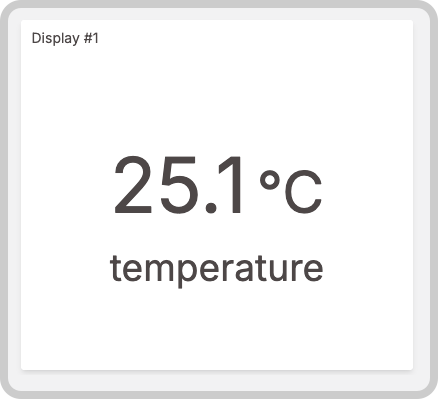
You can select one or more variables; each variable will have its own box and will display its most recent value simultaneously.
This widget also accepts features like metadata that can be set in your variable data.
Creating your own
To add the widget to your dashboard, choose the Display widget from the widget list and customize it to your preference. Edit the widget using the options located on the right side of the widget editor.
This widget works for both Normal and Blueprint dashboards.
Data Sources field
The Data Sources field allows you to specify which device or entity provides the data for this widget.
- In a Normal dashboard, select one device or an entity from your list, then choose the variable that contains the data.
- In a Blueprint dashboard, add a Blueprint Device or Entity and input the name of the variable that holds the information. The field will suggest a list of variables to be picked using the currently selected blueprint device.
After adding a variable, click the settings icon to edit specific options for that variable, such as formulas, color, and more. Click the close icon to remove the variable from the widget's data.
Note: The Data Sources field is dependent on the type of dashboard you are using; the differences are explained above.