Video Widget
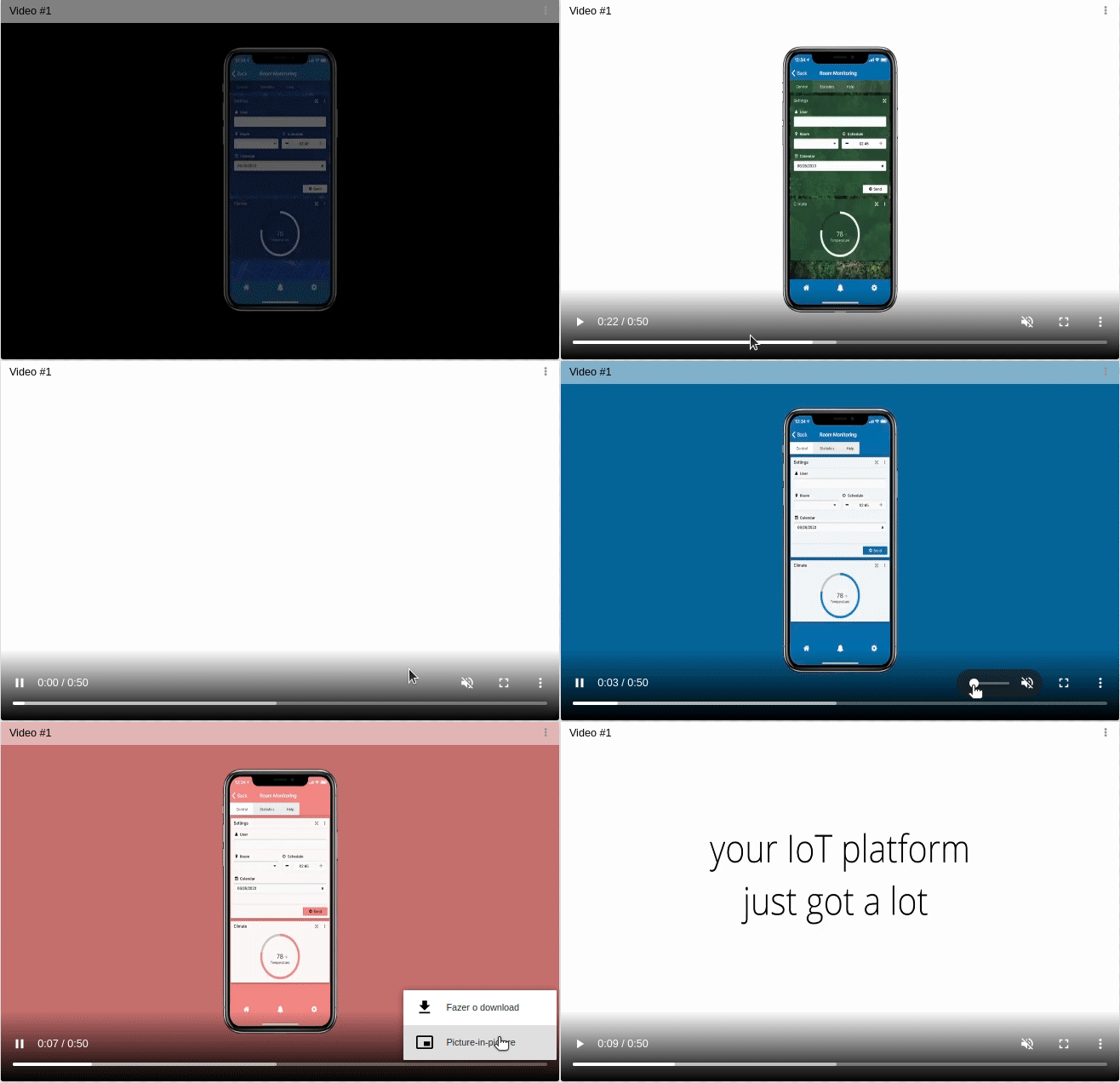
The Video widget provides the ability to present custom videos in your dashboard. Use it to show a company or customer video, product demos, or any visual content that helps users better understand your application.
1. Video Behavior
Video behavior defines how the widget obtains the video URL. It can be one of three types: static, conditional, or dynamic.
Static
It displays the video from a static URL.
You can store the video in TagoIO's file system and use the public URL that is cached for faster loading.
Conditional
Create conditions where each condition has an associated video URL. If the variable linked in the Data Sources field satisfies this condition, the corresponding video will be displayed. You can show different videos based on device data or other criteria.
Dynamic
The video URL comes from a variable's value. The widget reads the current value of the selected variable and uses it as the source for the video.
2. 'Data Sources' Field
The conditional and dynamic behavior has a Data Sources field to set the device and variable that will be used.
- Normal Dashboards: Select one device from your list of devices and choose the variable that contains the data.
- Blueprint Dashboards: Add the Blueprint device and input the name of the variable that holds the information. When using a Blueprint dashboard, the field will suggest a list of variables to be picked using the currently selected blueprint device.