Queries
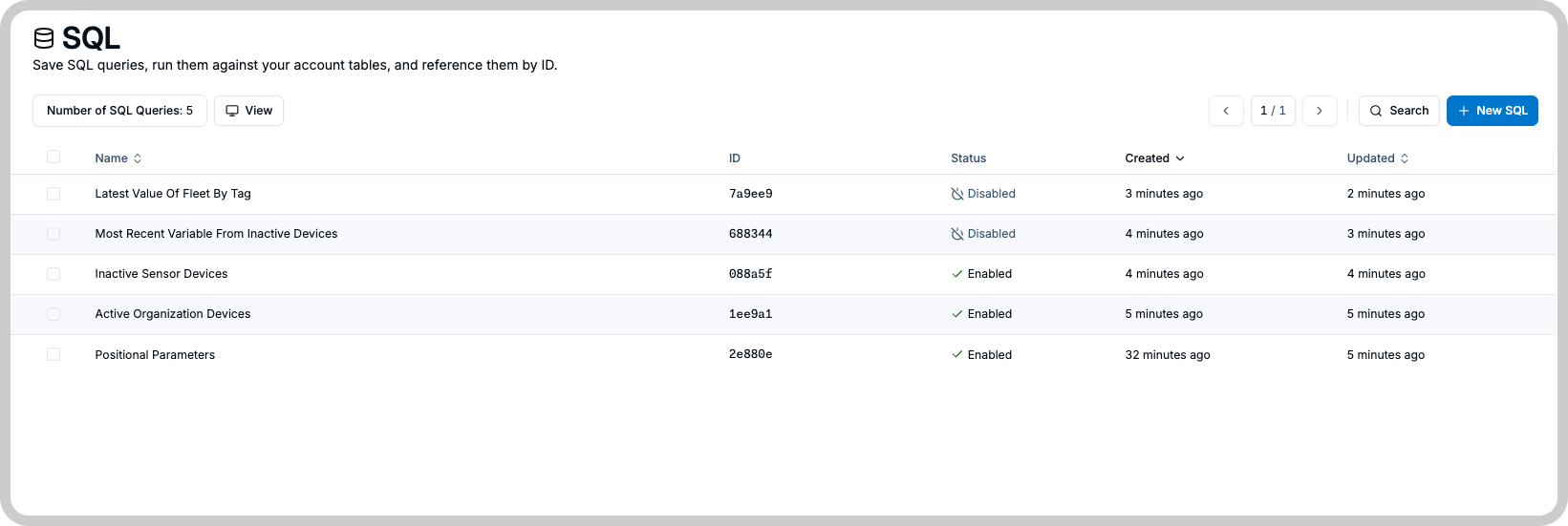
Once a query gives you the rows you want, save it so you never have to paste it again. A saved TagoSQL query is a resource on your profile, like a device or an analysis: it has a name, tags, a version history, and its own settings. Store the query once; widgets, analyses, and applications execute it by id.
New to TagoSQL? Start with Getting started for query examples to save.
Creating a query
POST /sql
profile-token: <profile-token>

{
  "name": "hot sensors",
  "description": "temperatures above a threshold",
  "query": "SELECT variable, value, time FROM device('DEVICE_ID') AS d WHERE value > $1 ORDER BY time DESC LIMIT 100",
  "params": [{ "key": "$1", "value": "30" }],
  "cache_enabled": true,
  "cache_ttl_seconds": 60
}
The query is validated when you store it: syntax, allowed SQL, and your plan's caps (including the row cap) are all checked before anything is saved. A query that stores cleanly will not fail structurally when executed later.
What a query holds
| Field | Meaning |
|---|---|
name | Display name (required). |
description | Optional free text. |
query | The TagoSQL statement. |
params | Default values for the query's placeholders. See Parameters. |
cache_enabled | Turns the result cache on (off by default). See Executing Queries. |
cache_ttl_seconds | How long a cached result stays fresh (up to 24 hours). |
rate_limit_rpm | Optional per-query rate cap, useful when one query is exposed to many consumers. |
active | An inactive query cannot be executed. |
tags | Your own { key, value } labels, also usable to grant execution through Access Management. |
session_context | Read-only. true when the query uses a session function. Not accepted in a body. |
What SQL you can write
TagoSQL accepts a read-only subset of SQL, checked when you store the query. A query is a single SELECT
statement, and every table in a FROM clause must use one of the
table functions with an alias.
Allowed: SELECT (with aliases, DISTINCT, *), the aggregates COUNT/AVG/SUM/MIN/MAX,
JOIN/LEFT JOIN/RIGHT JOIN with ON (Starter plan or above), WHERE with the usual comparison and
logical operators, IN, BETWEEN, IS NULL, LIKE/ILIKE, GROUP BY, HAVING, ORDER BY,
LIMIT/OFFSET, and arithmetic expressions such as value * 1.8 + 32.
Not allowed: subqueries, CTEs (WITH), UNION, window functions, type casts (::type), any write
operation, and database system functions.
This example correlates two devices by time with a JOIN:
SELECT a.value AS sensor_value, b.value AS actuator_value
FROM device('SENSOR_ID') AS a
JOIN device('ACTUATOR_ID') AS b ON a.time = b.time
WHERE a.variable = 'temperature'
ORDER BY a.time DESC
LIMIT 50
How many tables one query may join depends on your plan, and the inventory tables cannot be joined at all. See Available Tables for the per-table rules and Resource Limits for the numbers.
Managing queries
Queries are managed like any other TagoIO resource: list them (with field selection, name and tag filters, ordering, and pagination), fetch one, edit, and delete. Editing re-validates the query and drops its cached results. Field-level details and every list parameter are in the TagoIO API reference under SQL Queries.
Versioning
Every save snapshots the query, so you can always see what it looked like and go back:
- Creating a query stores version 1. Each edit that changes the
queryorparamsstores the next version; renames and other metadata edits do not create versions. - Fetch any past revision with
GET /sql/{id}/version/{version}. It returns that snapshot's{query, params}. - To restore, fetch the snapshot you want and save its content back with a regular edit. The restored content becomes the newest version, so the history never rewrites itself.
How many versions are kept depends on your plan (see Resource Limits); beyond the cap, the oldest snapshots are recycled.
For every table and column a query can reference, see Available Tables.