Single Sign-On (SSO)
With Single Sign-On (SSO), your users can sign in to a RUN application using credentials from their existing identity provider (IdP) instead of separate RUN credentials. RUN supports two SSO protocols: SAML and OIDC. You can use providers such as Okta, Auth0, Microsoft Azure AD, AWS Cognito, Google Workspace, and others.
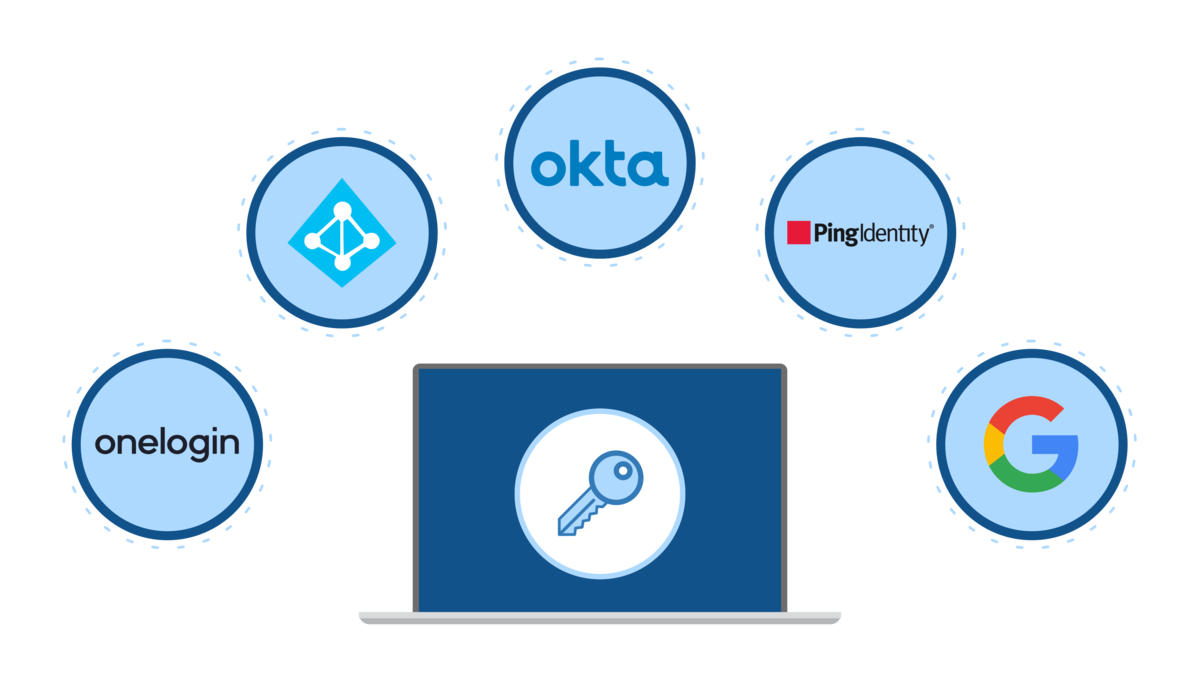
Overview
SSO lets your RUN application delegate authentication to an external identity provider. Your users keep one set of credentials across multiple services, and you get centralized access control without managing passwords inside RUN.
RUN offers two protocols for SSO. Choose the one that best fits your identity provider and your organization's setup.
SAML vs OIDC
SAML is an established enterprise standard supported by most identity providers. If your organization already uses SAML for other applications, this is likely the fastest path to get SSO working.
OIDC (OpenID Connect) is a more recent protocol built on OAuth 2.0. RUN makes OIDC simpler to configure, with built-in claim mappings and auto-generated callback URLs that reduce the back-and-forth between RUN and your IdP.
Both protocols achieve the same result: your users sign in through the IdP, and RUN receives the identity information it needs.
You cannot have both SAML and OIDC active at the same time. Enabling one will disable the other.
Plan requirements
SSO is available on Scale plans only.
How it works
Whichever protocol you choose, the setup follows a similar pattern:
- Configure an application on your Identity Provider. Create a SAML or OIDC application in your IdP and obtain the required credentials.
- Manage users and permissions on the IdP side. Set up which users and groups have access to your RUN application.
- Import the IdP configuration into RUN. Enter the provider details in the corresponding SSO settings page.
- Complete the integration. Register any required URLs (such as callback or metadata URLs) back in your IdP.
Once enabled, only users registered in the IdP and granted permission to access the application can sign in to RUN with their IdP credentials.
RUN users and mappings
When a user signs in through SSO for the first time, RUN automatically creates a new RUN user with the tag source: sso. This applies to both SAML and OIDC.
You can use this tag to identify which RUN users were created through SSO, filter them in the user list, or set up automations. For example, you can create a Trigger by Resource action that runs whenever a new RUN user is created with the source: sso tag.
Mapping values are automatically updated every time a user signs in. If you change a claim or attribute value on the IdP side (for example, updating a user's name), the RUN user will reflect the new value on their next login.