Resetting My Password
On the signup page, click the "Forgot your password?" link and enter your email address. We'll send instructions to that email to reset your password.
Want to change your password?
To change your existing password:
- Click on your account name at the bottom-left menu in your Admin.
- Hover over "Profiles & Billing" and select "My Account".
- Go to the Security tab.
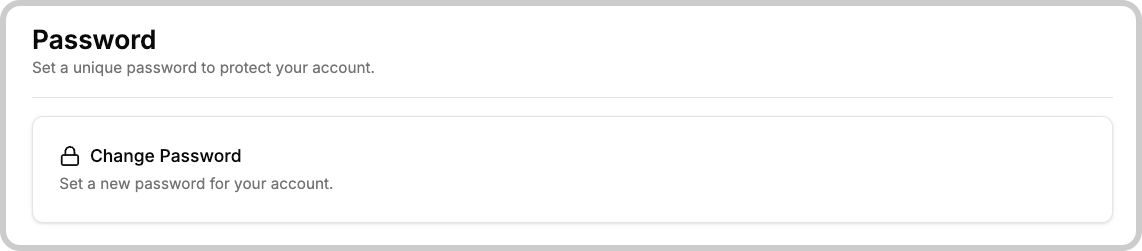
- Click the "Change password" button and follow the prompts.
tip
If you need to reset or change a password for yourself or your users in the TagoRUN application, manage those accounts via User Management.
Something missing from this page?